HABANERO STUDIO AI IMAGE
AI image portfolio / ComfyUI

An image is only part of the story.

Explore images made with Z-Image Turbo and the processes behind them. One workflow starts with a written prompt; the other extracts a prompt from a reference image before generating a new image. Both include facial refinement and two stages of upscaling.
Prompt → ImageImage → Prompt → ImageComfyUI
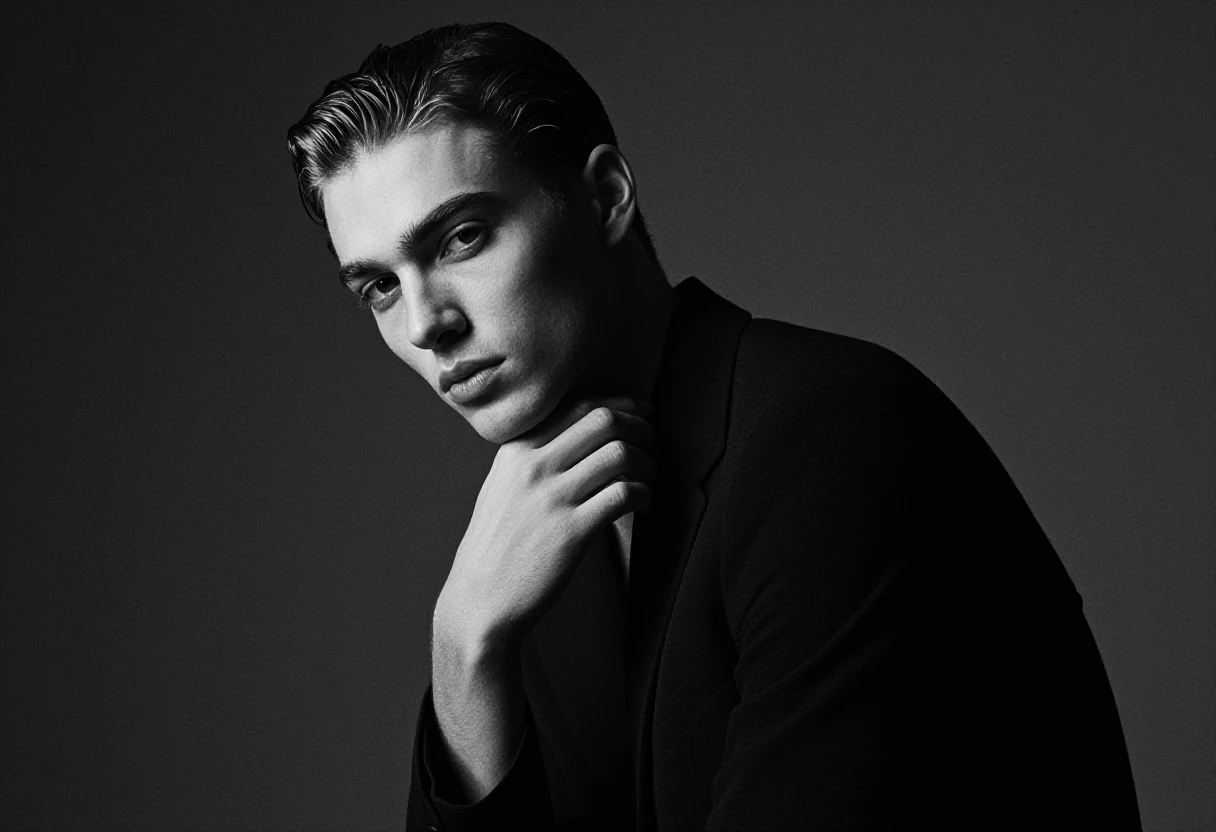
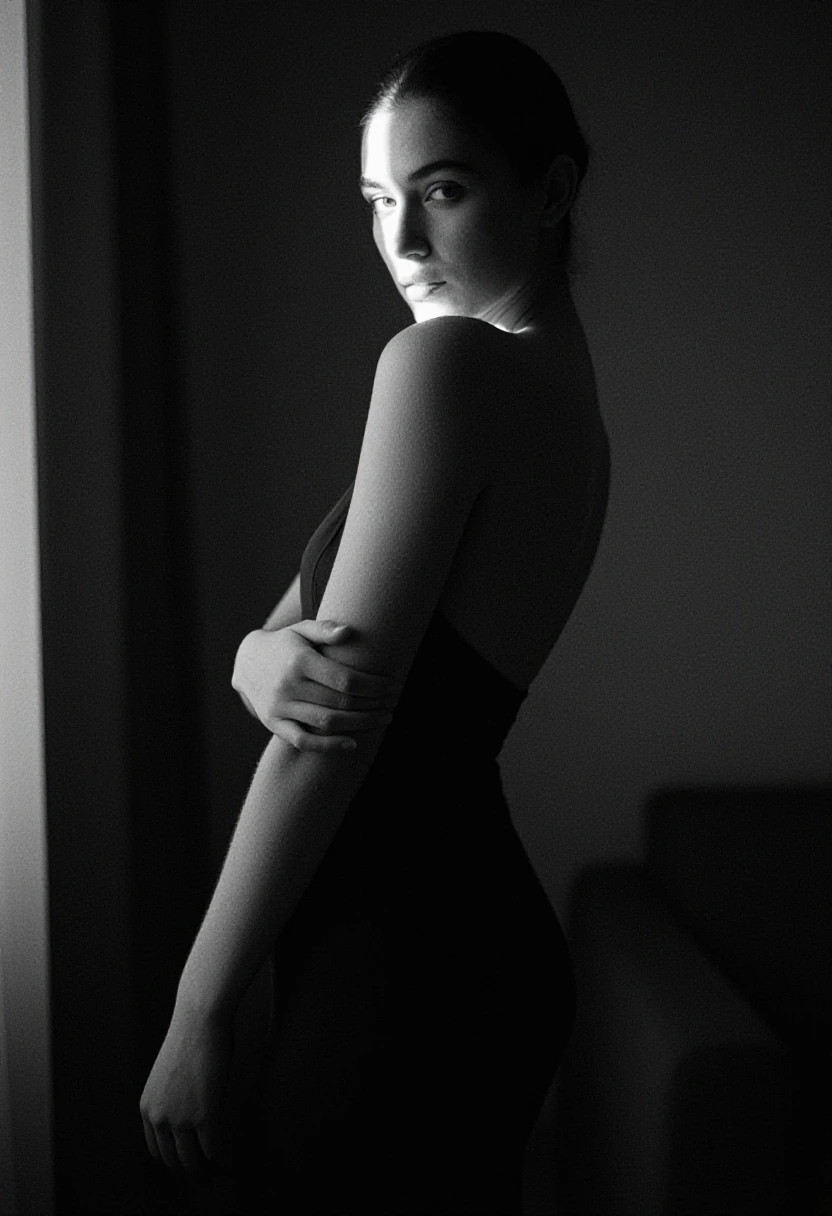
Black-and-white portrait of a model turning toward the camera against a dark background
SELECTED WORK / 01
Selected images

Selected works

Monochrome studies of form and light, followed by color portraits in natural light. Select an image for a larger view.
01 / Black & white

Portraits in light and shadow

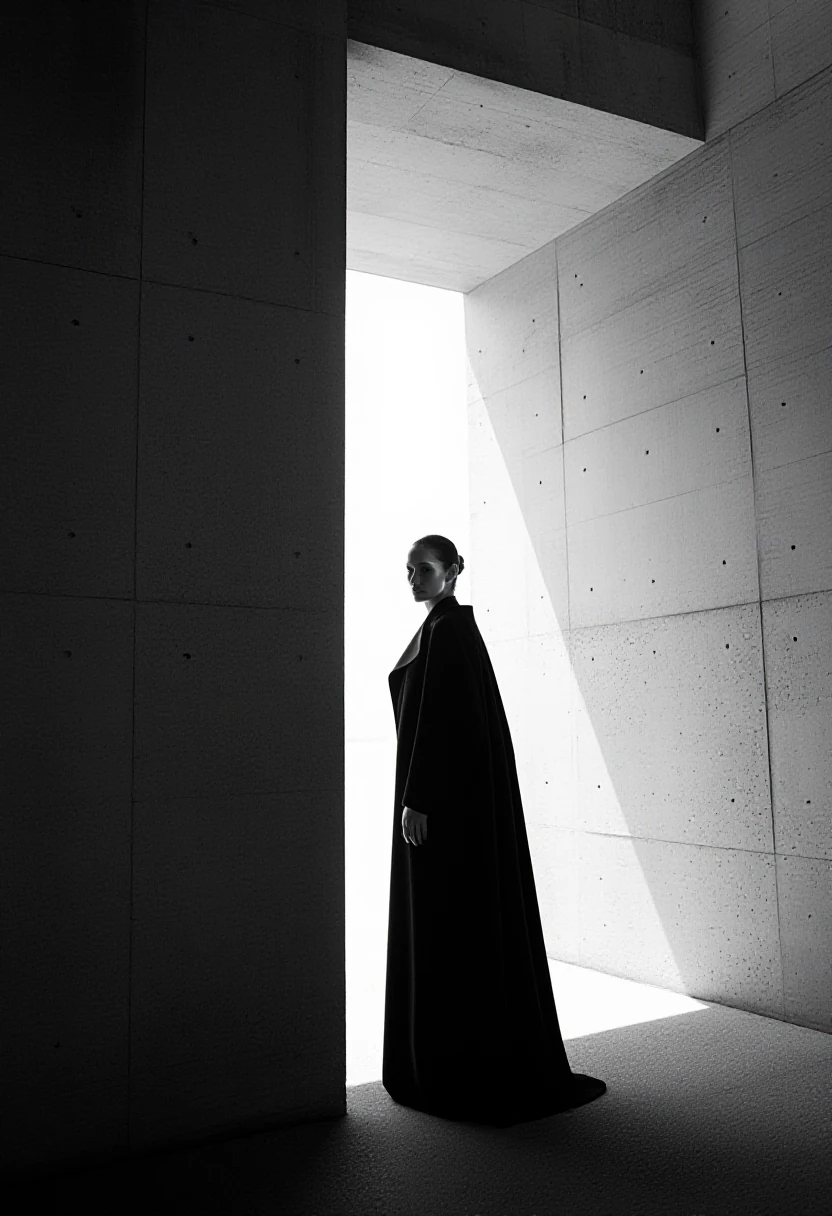
Black-and-white figure standing beside a large opening in a concrete building
01
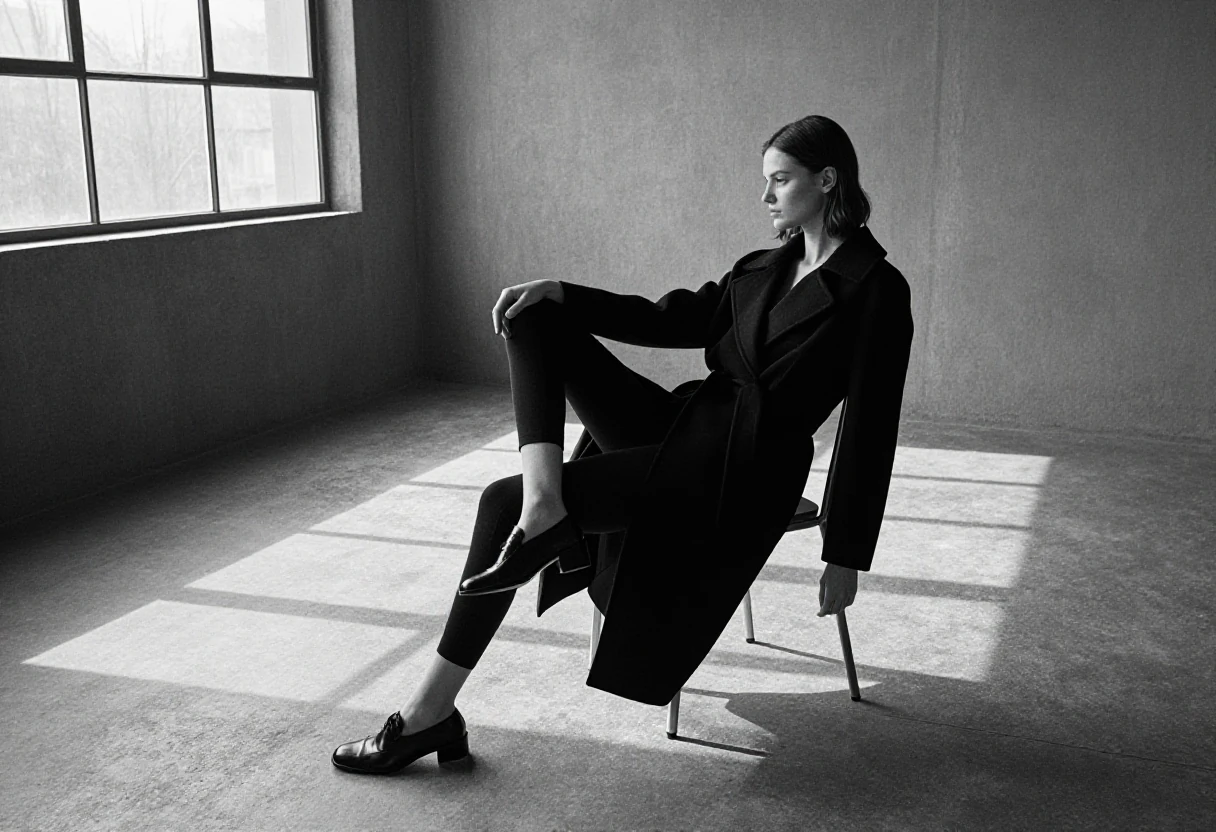
Model seated beside a window in a sunlit room
02
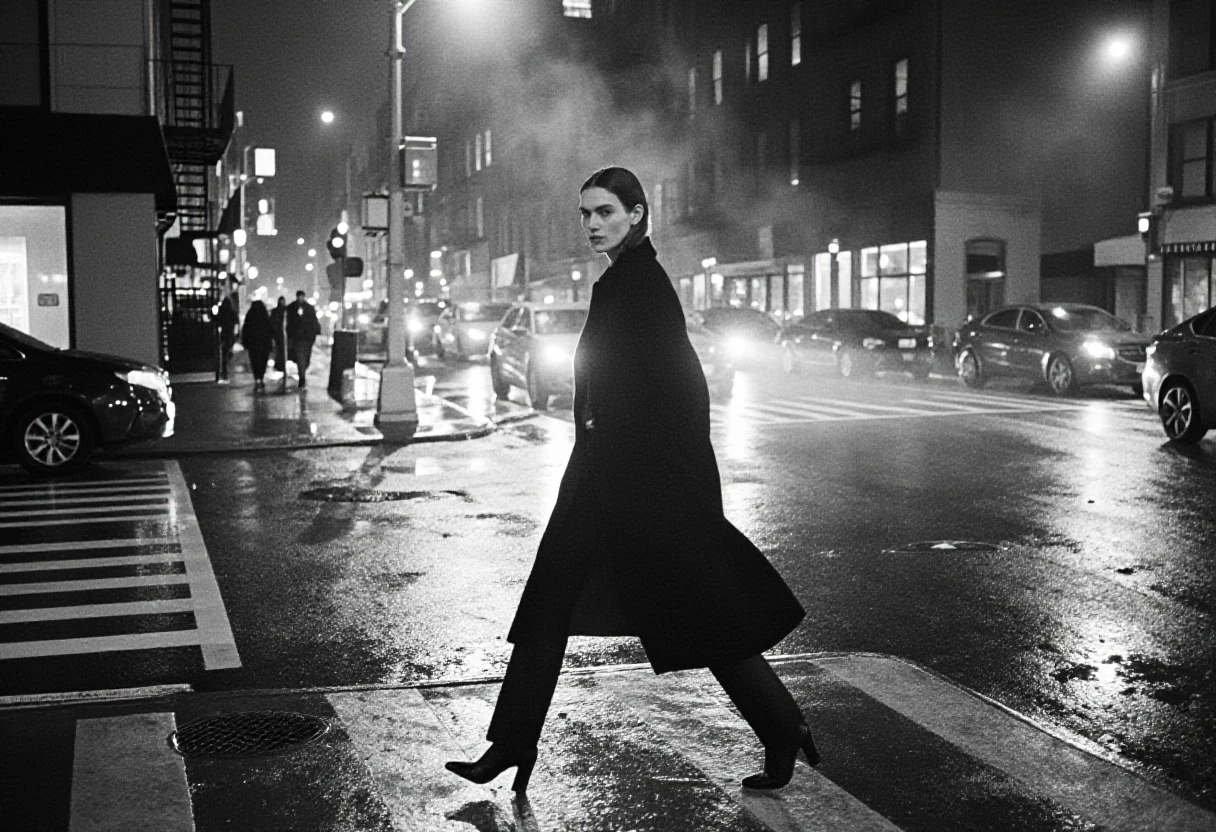
Model crossing a city street at night
03
Close black-and-white portrait of a model in dark clothing
04
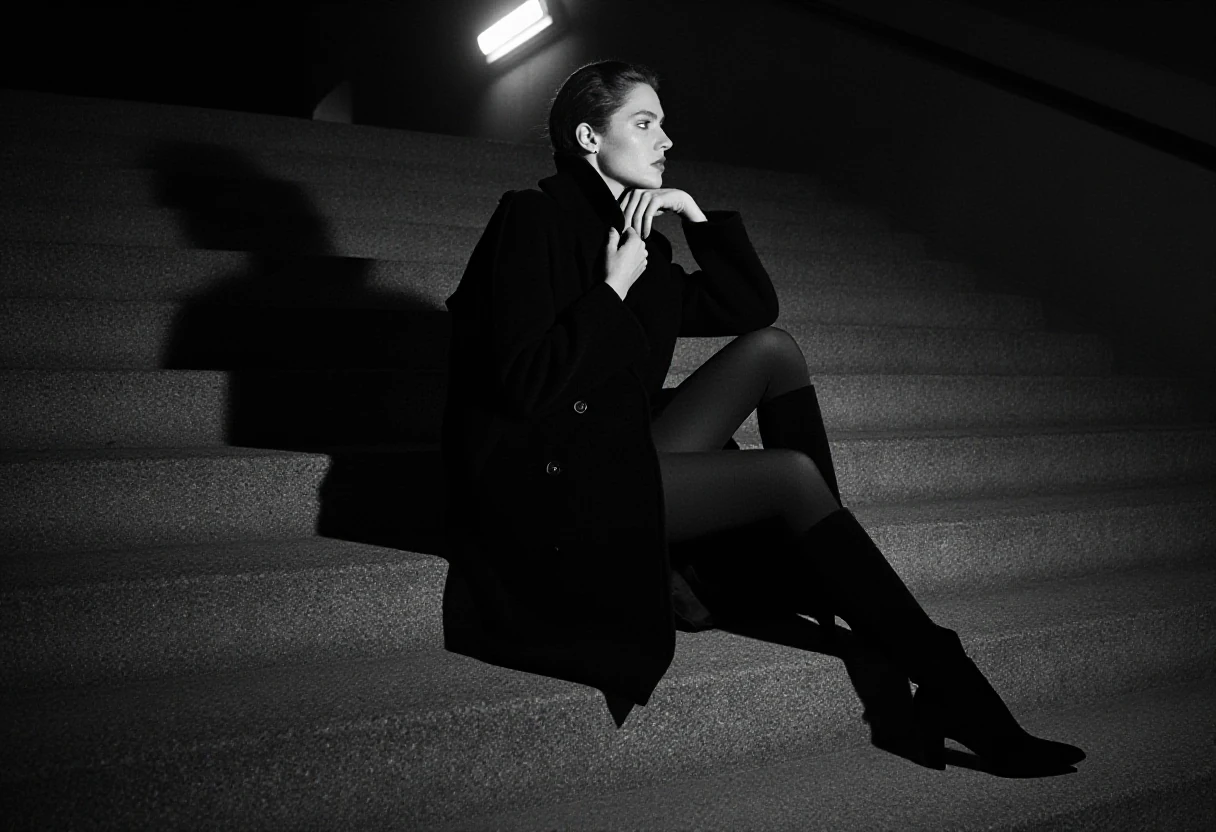
Model seated on steps in strong light and shadow
05
02 / Color portraits

Color and character

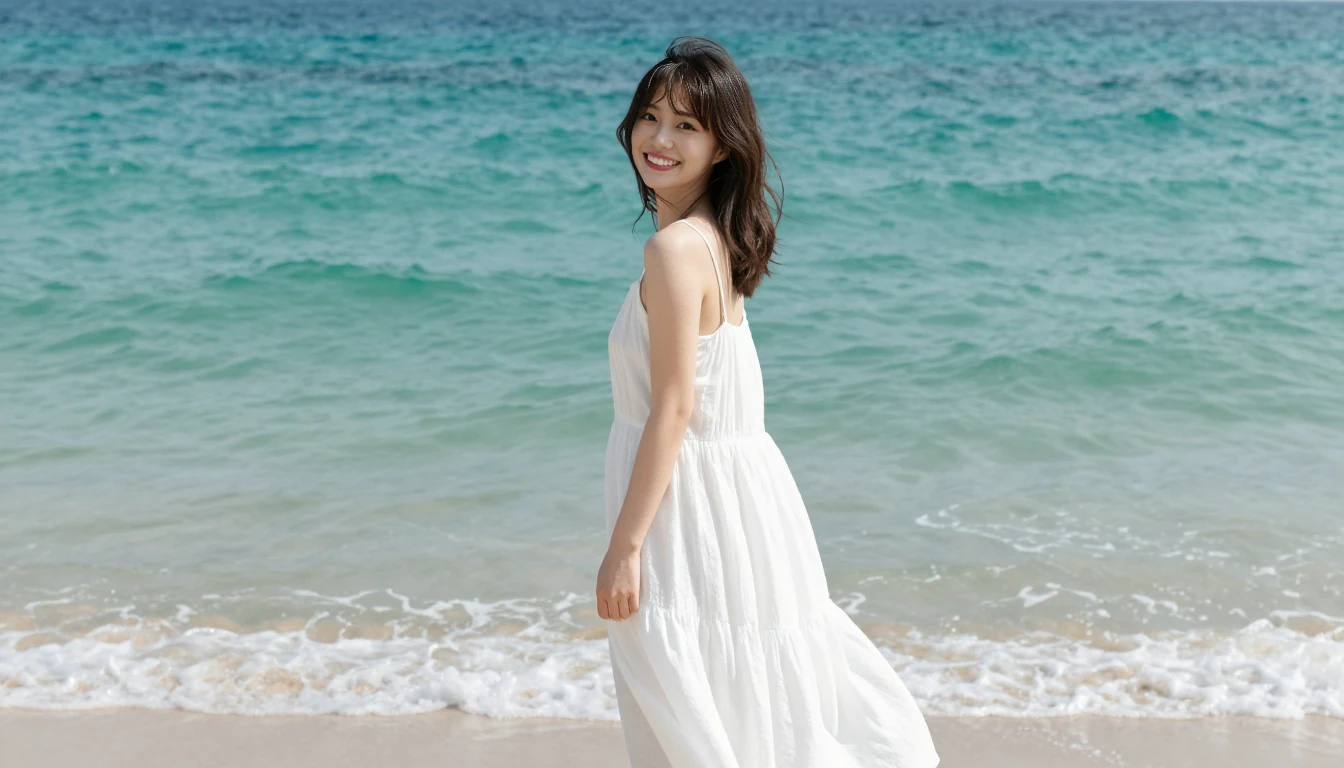
Model in a white dress by the sea
06
Smiling model beside a window
07
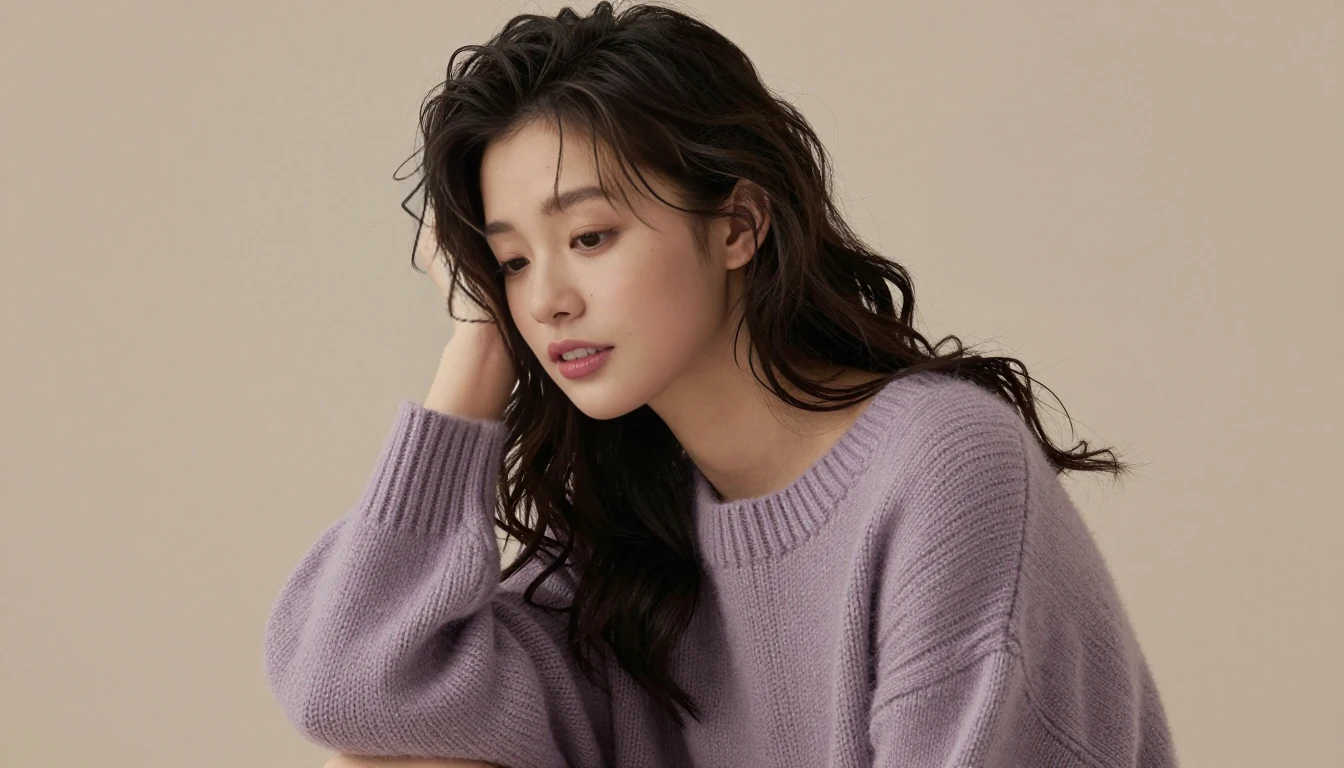
Side portrait of a model wearing a lilac sweater
08
Model standing in warm window light
09
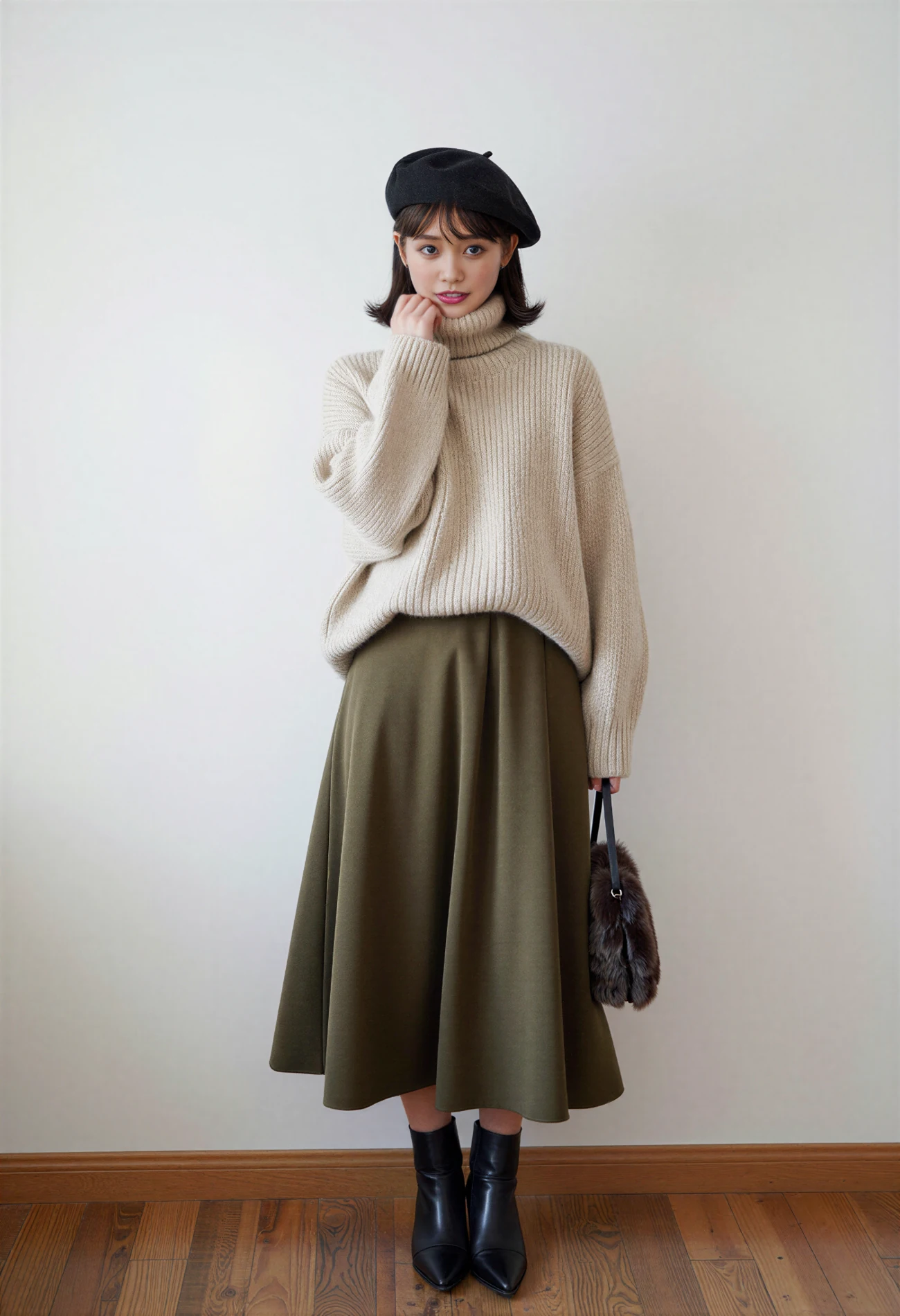
Model in a light knit top and long skirt
10
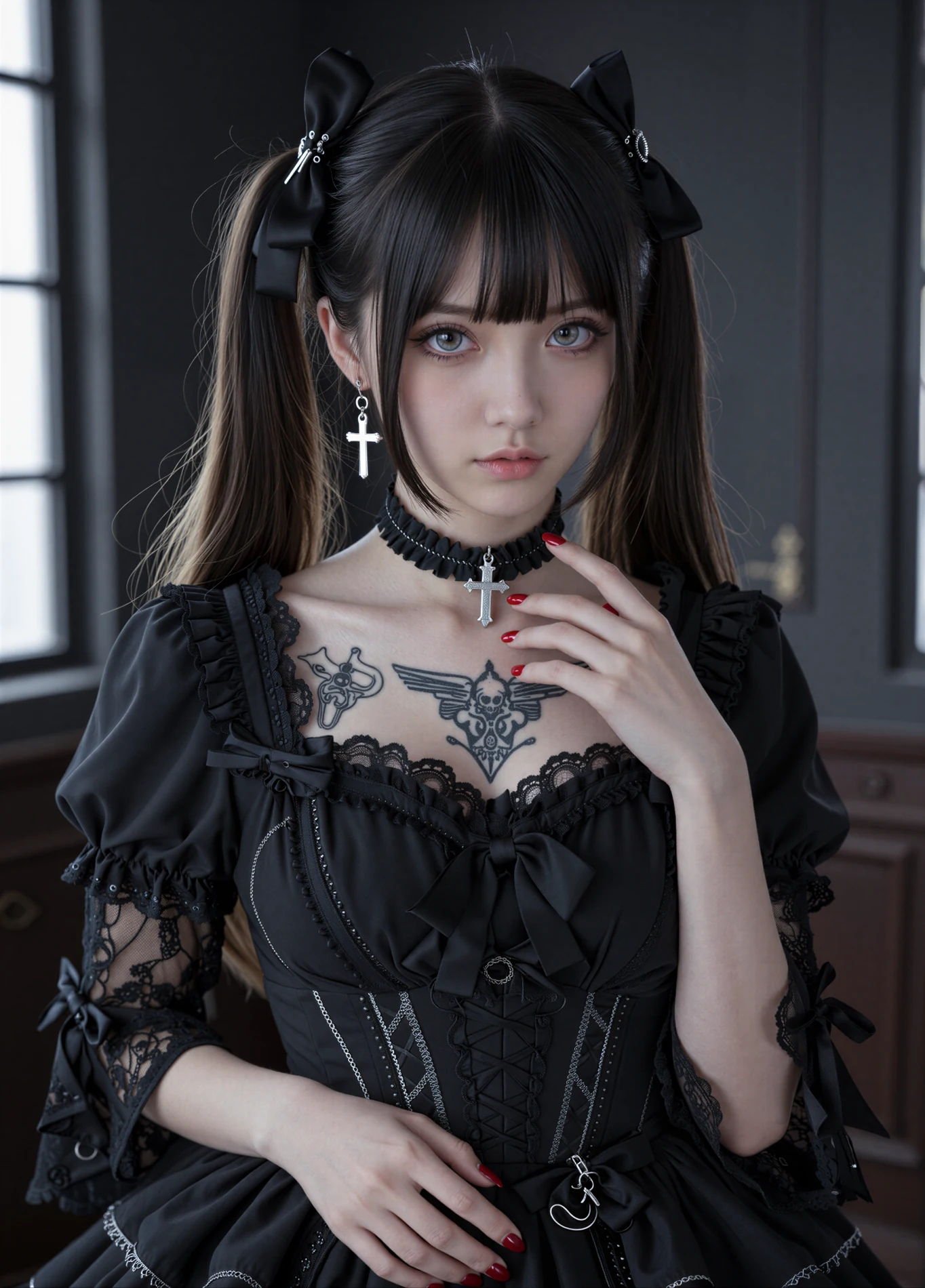
Model wearing a black outfit and hair ribbons
11
03 / Landscapes & spaces

Landscapes and spaces

Studies of light, texture, and depth beyond portraiture.
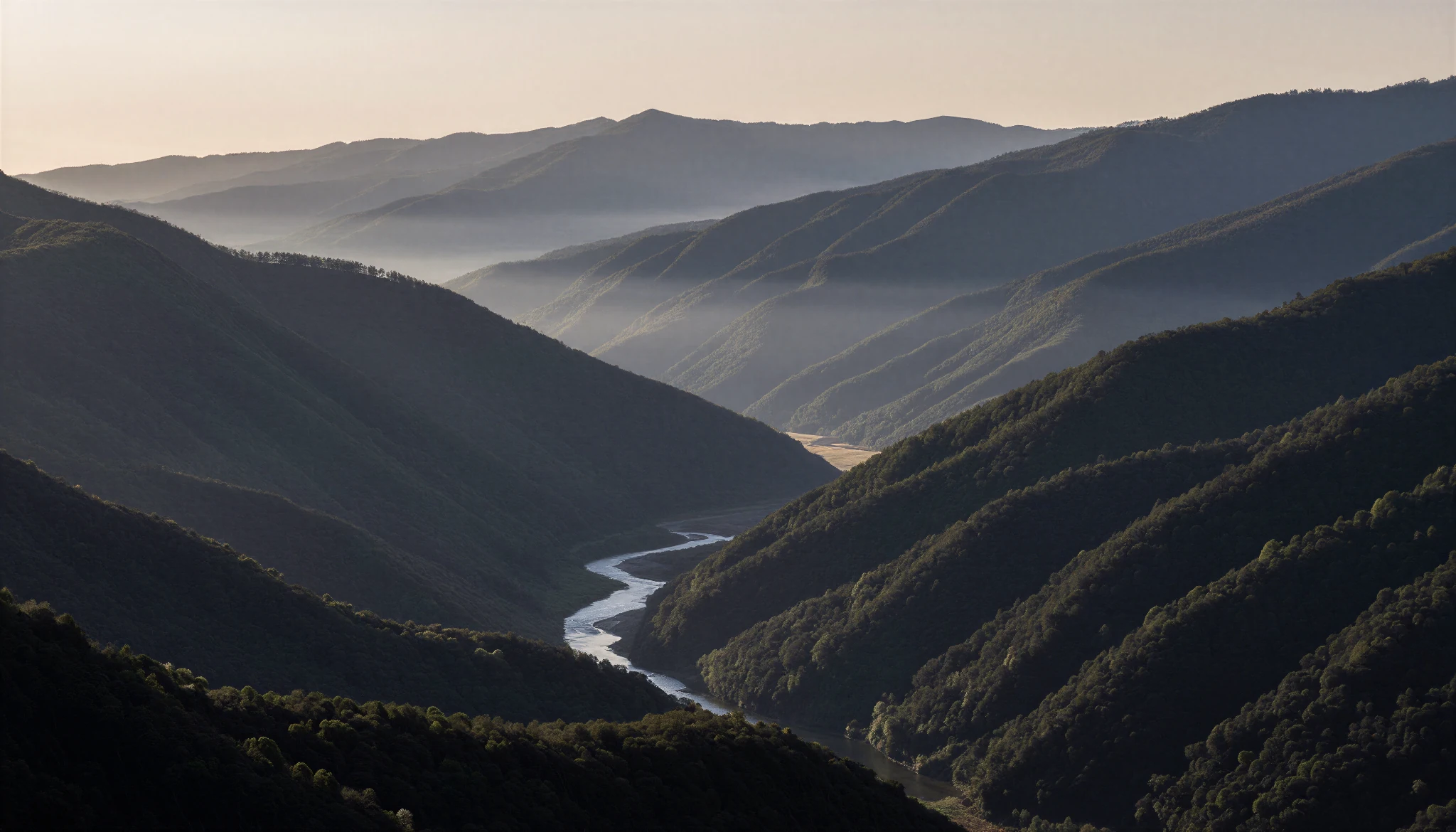
Mountain valley and winding river in morning light
12
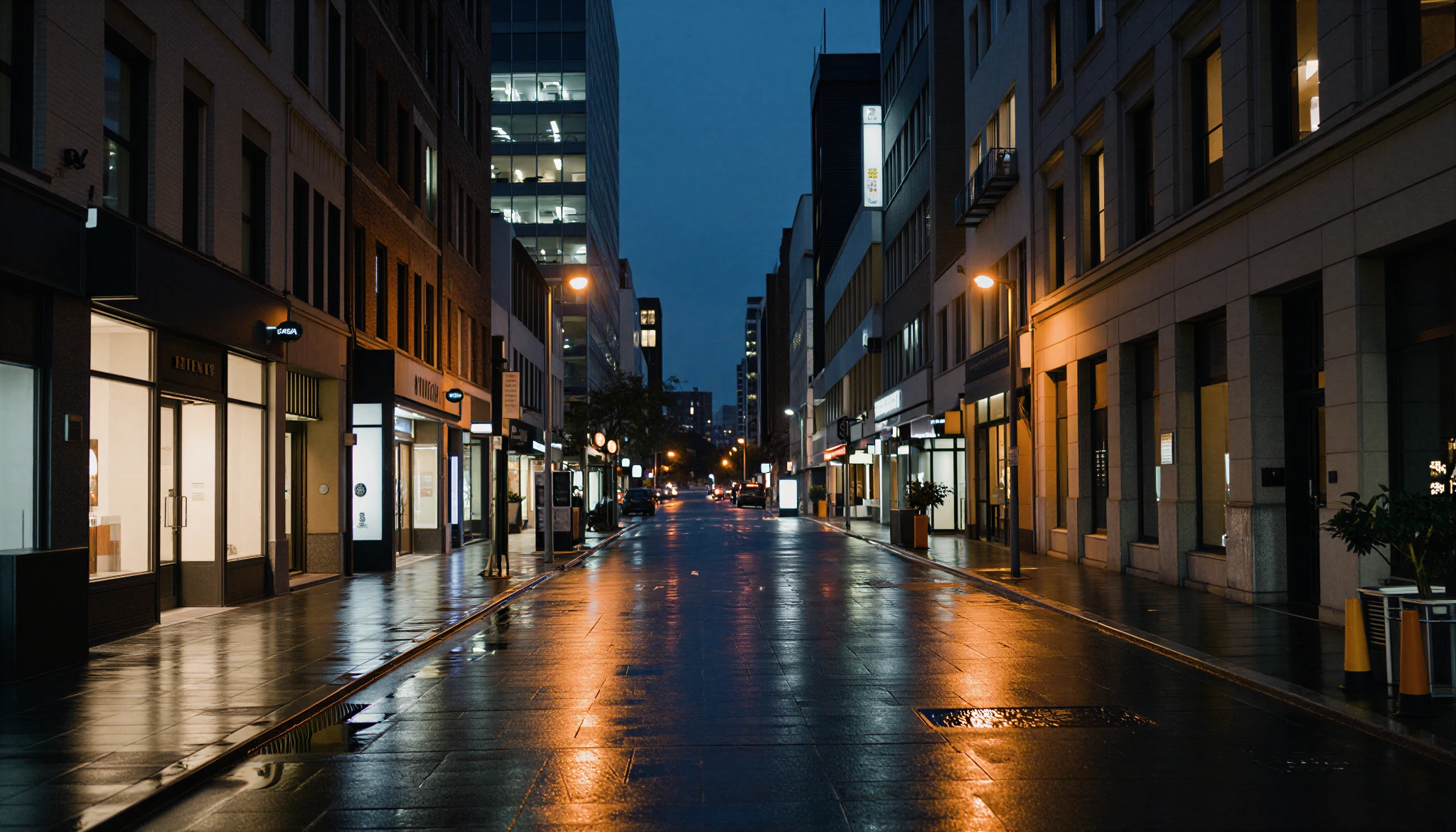
City street at night after rain, with reflections from streetlights
13
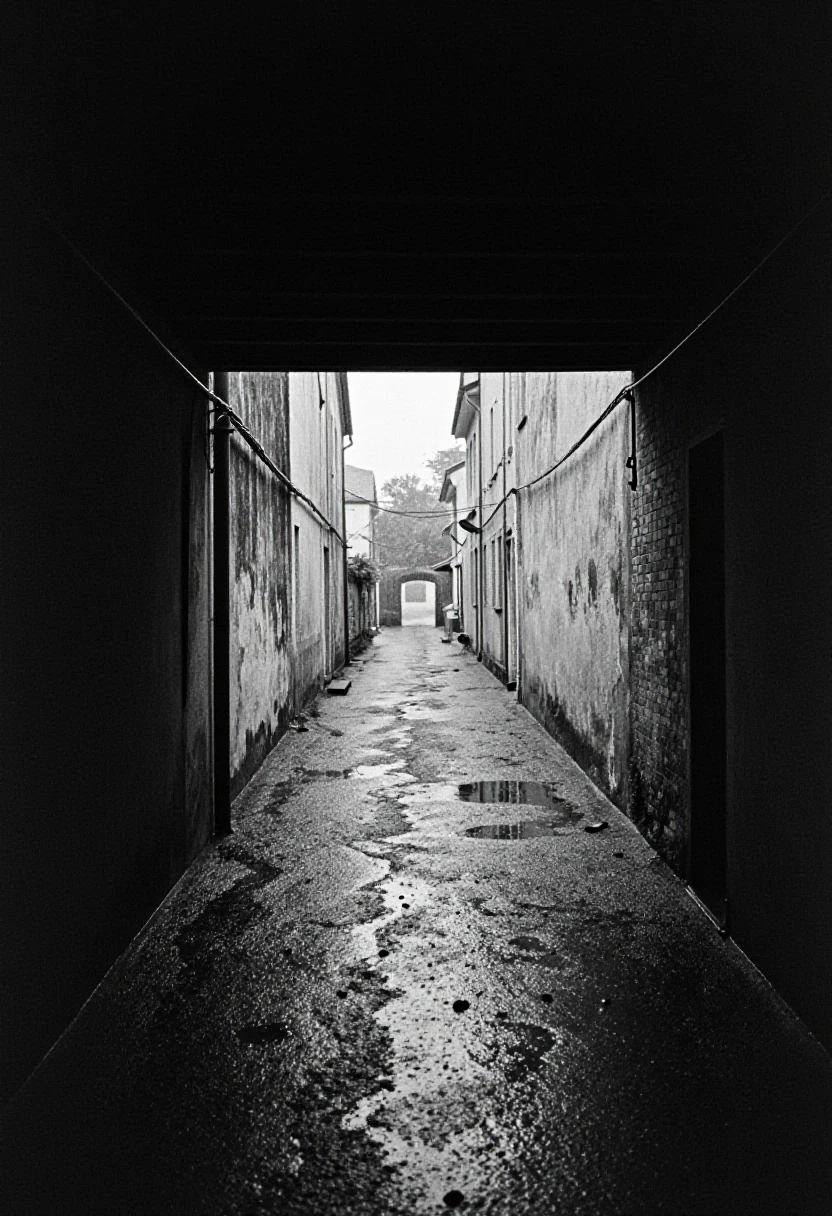
Cobblestone alley leading toward a bright opening
16
Two workflows

Two ways to create

The starting point changes, while each ComfyUI workflow carries the image through its finishing stages.

01

Start with a prompt

Describe the subject, clothing, setting, and composition in text, then generate an image with Z-Image Turbo.

Text prompt → Z-Image Turbo → Generated image
02

Start with an image

Gemma4 describes the visual features of a reference image as a prompt. Z-Image Turbo then uses that prompt to generate a new image; this workflow does not directly edit the reference.

Reference image → gemma4 prompt extraction → Z-Image Turbo generation
Both workflows

Finishing stages

Face Detail refines facial features, while Face Swap replaces the face. Two upscaling processes complete the output.

Production setup

Production tools

WebUI: ComfyUIImage model: Z-Image TurboImage analysis: gemma4Face DetailFace SwapTwo-stage upscaling